What This Is
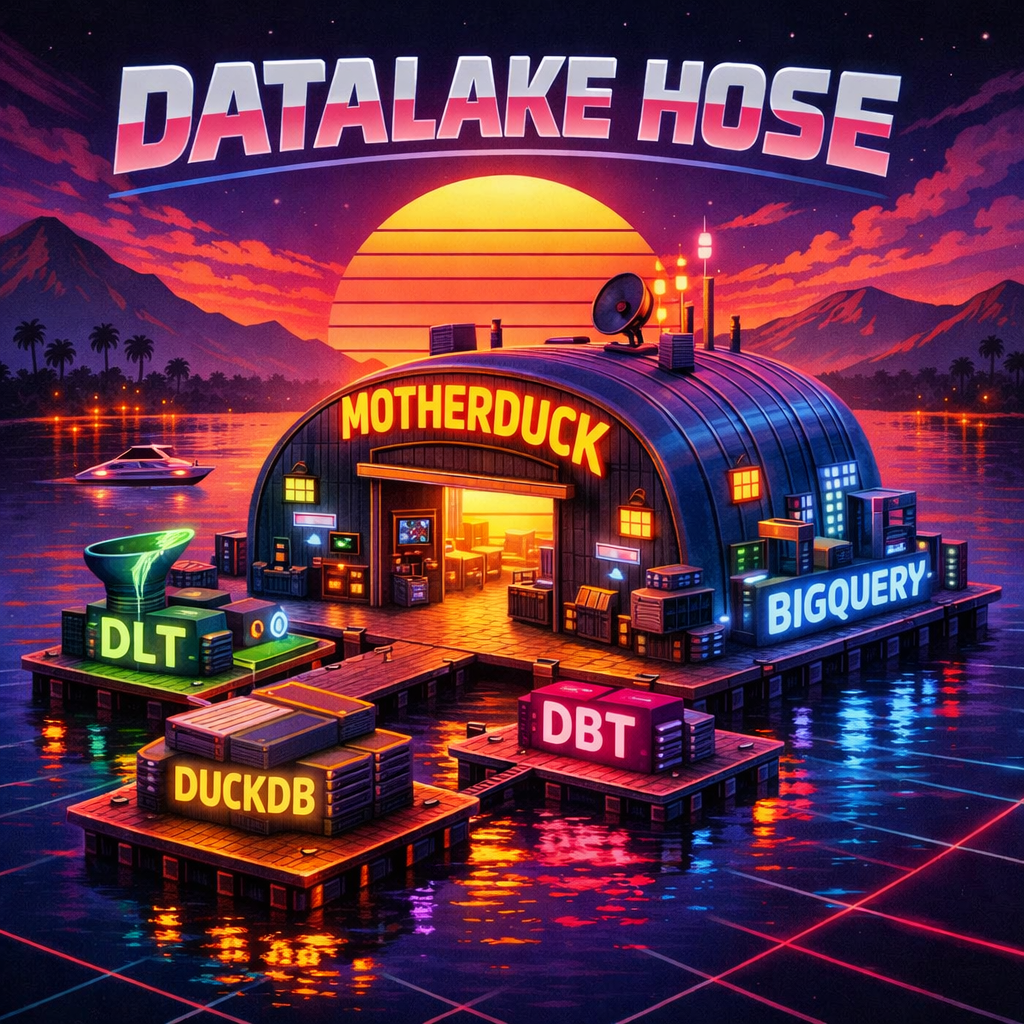
This implementation uses dlt for ingestion, dbt for transformation, DuckLake for ACID storage, DuckDB for analytics. The use case is modest — news articles from NewsAPI, transformed through staging/intermediate/mart layers — but the patterns transfer to other domains. The same code runs locally and in production on MotherDuck.
This article covers the architecture, implementation patterns, and tradeoffs of this stack.
The Problem This Addresses
Data pipelines face common operational challenges: schema changes break downstream processes, duplicate records corrupt analytics, accidental re-runs create inconsistent state, and validation failures are discovered late in the pipeline.
Reliability features — schema contracts, incremental loading, merge-based deduplication, automated testing — historically required custom infrastructure. Modern tools provide these capabilities through configuration rather than custom code.
dlt: Ingestion
dlt (data load tool) provides deduplication, schema evolution, and validation through decorator parameters, eliminating the need for custom pipeline logic.
Here’s the core pattern:
@dlt.resource(write_disposition="merge", primary_key="url")
def get_articles():
    yield validated.model_dump(mode="json")
That write_disposition="merge" with a primary_key means dlt performs upserts at the destination. Run the pipeline twice, get the same result.
The mode="json" matters — Pydantic types like HttpUrl and datetime aren’t natively serializable, so you need JSON mode to get clean dict output that dlt can write.
Validation at the source
Pydantic models validate every record before it enters the pipeline:
from typing import Optional
from pydantic import BaseModel, Field, HttpUrl, field_validator

class Article(BaseModel):
    source: ArticleSource
    author: Optional[str] = None
    title: str
    description: Optional[str] = None
    url: HttpUrl
    url_to_image: Optional[HttpUrl] = Field(default=None, alias="urlToImage")
    published_at: datetime = Field(alias="publishedAt")
    content: Optional[str] = None

    @field_validator("title")
    def title_not_empty(cls, v):
        if not v or v.strip() == "":
            raise ValueError("title cannot be empty")
        return v

@dlt.resource(write_disposition="merge", primary_key="url")
def get_articles_us_en(api_key=dlt.secrets.value):
    response = fetch_articles_from_api(newsapi, query, page_size)
    for article in response.get("articles", []):
        validated = Article.model_validate(article)
        yield validated.model_dump(mode="json")

@dlt.source
def run_all_articles():
    return (get_articles_us_en(),)
Invalid records get logged and skipped; valid ones get merged into DuckLake. If the upstream API changes in a way that breaks validation, failures are detected at ingestion time rather than downstream.
When dlt writes to DuckLake and a column is all-null in a batch (like url_to_image often is), the column doesn’t get materialized unless explicitly declared. Add columns={"column_name": {"data_type": "text"}} to the resource decorator for columns that need a type hint.
Schema contracts and incremental loading
dlt also supports schema contracts and incremental loading:
# Accept new columns, reject type changes
@dlt.resource(schema_contract={"columns": "evolve", "data_type": "freeze"})
# Only fetch records newer than the last successful load
@dlt.resource(incremental=dlt.sources.incremental("updated_at", initial_value="2024-01-01"))And PII handling can happen at ingestion via Pydantic validators:
@field_validator("email")
def hash_email(cls, v):
    return hashlib.sha256(v.encode()).hexdigest()
These are decorator configurations, not infrastructure changes.
Running it
The pipeline is ~215 lines of Python:
uv run python newsapi_pipeline.py --dev--dev writes to local DuckLake, --prod writes to MotherDuck. For single-source workloads, an orchestrator isn’t required; multiple sources may benefit from orchestration.
Every load produces metadata — load IDs for lineage, record counts for anomaly detection. The _dlt_load_id and _dlt_id columns propagate through the entire transformation chain, so you can trace any mart row back to its ingestion batch.
dbt: Transformations
dbt (data build tool) provides explicit dependencies between models, automated testing, and documentation that stays close to the code.
The layers
The project follows staging → intermediate → mart. Staging cleans and standardizes raw data from DuckLake. Intermediate applies business logic — categorization, flags, derived fields. Mart aggregates for consumption. Each layer has a clear job, and the blast radius of any change is contained to the layer it belongs in.
How it actually works
Staging focuses on renaming and standardizing — no business logic:
-- models/staging/stg_newsapi__articles_us_en.sql
{{ config(materialized='table') }}

SELECT
    source__name AS source_name,
    author,
    title,
    description,
    url,
    url_to_image AS image_url,
    published_at,
    content,
    'en' AS language_code,
    _dlt_load_id,
    _dlt_id
FROM {{ ref('src_newsapi__articles_us_en') }}
Note the ref('src_newsapi__articles_us_en') — this points to a thin raw model that wraps {{ source('newsapi_ducklake', 'articles_us_en') }}. That indirection lets dbt manage the dependency graph while the source YAML handles the DuckLake attach configuration (different database aliases for dev vs prod).
Business logic lives in the intermediate layer:
-- models/intermediate/int_newsapi__articles.sql (simplified)
SELECT
    *,
    CAST(published_at AS DATE) AS article_date,
    {{ categorize_topic('title') }} AS topic_category,
    {{ flag_contains_any('title', ['data engineering', 'data pipeline', 'etl', 'data warehouse']) }}
        OR {{ flag_contains_any('description', ['data engineering', 'data pipeline', 'etl', 'data warehouse']) }}
        AS is_data_engineering_related
FROM {{ ref('stg_newsapi__articles_us_en') }}
WHERE published_at IS NOT NULL
The categorize_topic and flag_contains_any macros centralize the business logic — defined once, used everywhere:
{% macro categorize_topic(column) %}
CASE WHEN LOWER({{ column }}) LIKE '%data engineering%' THEN 'Data Engineering'
     WHEN LOWER({{ column }}) LIKE '%ai%' THEN 'AI'
     -- ... more categories (Tech, Startups, etc.)
     ELSE 'Other' END
{% endmacro %}
Change the categorization rules in one place, every model that uses the macro picks it up.
The mart aggregates for consumption:
-- models/mart/mart_newsapi__articles.sql
{{ config(materialized='table') }}

SELECT
    article_date,
    source_name,
    COUNT(*) AS total_articles,
    SUM(CASE WHEN is_data_engineering_related THEN 1 ELSE 0 END) AS data_engineering_articles
FROM {{ ref('int_newsapi__articles') }}
GROUP BY article_date, source_name
ORDER BY article_date DESC, source_name
Query the result:
SELECT * FROM mart_newsapi__articles
WHERE article_date >= DATE '2024-01-01';

-- Returns:
-- article_date | source_name   | total_articles | data_engineering_articles
-- 2024-01-15   | TechCrunch    | 12             | 4
-- 2024-01-15   | The Verge     | 8              | 2
-- 2024-01-14   | Wired         | 15             | 6
From API to insight: dlt handles ingestion, dbt handles transformation, DuckLake handles storage, and DuckDB handles queries.
Testing is configuration
Data quality tests live in YAML alongside the models:
# models/staging/stg_newsapi__articles_us_en.yml
models:
  - name: stg_newsapi__articles_us_en
    description: "Staging model that renames and standardizes columns from DuckLake source."
    columns:
      - name: url
        data_tests: [unique, not_null]
      - name: source_name
        data_tests: [not_null]
      - name: title
        data_tests: [not_null]
      - name: _dlt_load_id
        data_tests: [not_null]
dbt run && dbt test — that’s it. CI enforces it on every PR:
# From .github/workflows/dbt-build-prod.yml (inside transformation/)
- run: cd transformation && uv run dbt parse --profiles-dir . --target dev
- run: cd transformation && uv run dbt compile --profiles-dir . --target dev
- run: cd transformation && uv run dbt test --profiles-dir . --target dev --select tag:unit-test
A DevContainer includes all tools pre-configured, so onboarding is: clone, open in VS Code, start working.
DuckDB + DuckLake: Storage and Compute
DuckDB is the query engine. DuckLake is the storage layer — it adds ACID transactions and a metadata catalog on top of Parquet files.
DuckDB reads everything — Parquet, CSV, JSON, remote URLs, other databases via extensions:
SELECT * FROM read_parquet('gs://bucket/data/*.parquet')In this stack, it reads from DuckLake, which manages Parquet files with a catalog that tracks transactions, enables merge operations, and supports time travel.
After dlt loads articles into DuckLake, you can query immediately:
-- Attach the DuckLake catalog and query articles
INSTALL ducklake; LOAD ducklake;
ATTACH '/tmp/newsapi_ducklake_catalog.duckdb' AS lake
    (TYPE DUCKLAKE, DATA_PATH '/tmp/newsapi_ducklake_data/');

SELECT
    _dlt_load_id,
    COUNT(*) as record_count,
    MIN(published_at) as earliest,
    MAX(published_at) as latest
FROM lake.ingest_newsapi_v1.articles_us_en
GROUP BY _dlt_load_id
ORDER BY _dlt_load_id DESC;
The _dlt_load_id column lets you trace any row back to its ingestion batch. And since DuckLake stores data as Parquet files underneath, you can also query them directly with read_parquet() if needed.
Dev/prod parity
The same dbt models run against both environments. The only difference is the connection config:
# From transformation/profiles.yml (showing the two targets)
dev:
  type: duckdb
  path: ":memory:"
  extensions:
    - ducklake
  attach:
    - path: /tmp/newsapi_ducklake_catalog.duckdb
      alias: newsapi_lake
      type: ducklake
      is_ducklake: true
      options:
        data_path: /tmp/newsapi_ducklake_data/
  schema: dbt_dev

motherduck:
  type: duckdb
  path: "md:?motherduck_token={{ env_var('MOTHERDUCK_TOKEN') }}"
  schema: dbt_prod
  is_ducklake: true
Dev uses DuckDB in-memory with a local DuckLake catalog. Prod uses MotherDuck with a cloud DuckLake catalog. The SQL is identical. Edge cases that appear in production can be reproduced locally.
DuckDB’s PostgreSQL-compatible SQL syntax means queries are portable — if you need to move to PostgreSQL or another engine, the rewrites are minimal.
How the Pieces Fit Together
┌─────────────┐    ┌─────────────┐    ┌─────────────┐
│   Source    │───▶│     dlt     │───▶│  DuckLake   │
│  (NewsAPI)  │    │  (Python)   │    │  (Storage)  │
└─────────────┘    └─────────────┘    └──────┬──────┘
                                             │
                   ┌─────────────────────────┘
                   ▼
         ┌─────────────────────────────────────────┐
         │            DuckDB + dbt                 │
         │  staging → intermediate → mart          │
         └─────────────────────────────────────────┘
                   │
                   ▼
         ┌─────────────────┐
         │   Analytics     │
         │   (BI / LLMs)   │
         └─────────────────┘
The tools fit together mostly because they share open standards — Parquet for files, SQL for queries, Python and YAML for configuration. dlt writes to DuckLake (Parquet + ACID catalog). dbt reads from DuckLake via DuckDB’s attach mechanism. There wasn’t much glue code needed to connect them.
LLM-assisted development
Because the entire stack is text files — Python, SQL, YAML, Jinja — it’s straightforward to work on with an LLM. The patterns are declarative and repetitive enough (@dlt.resource, ref(), macros) that an LLM can help scaffold new pipelines, write dbt models, or debug failures by tracing through the DAG.
The fast local feedback loop (DuckDB runs in seconds) makes it practical to iterate with LLM-generated code and verify as you go. Understanding the underlying mechanics remains necessary.
Tradeoffs
This stack doesn’t fit every workload. Specifically:
- No high-concurrency writes. DuckDB handles batch writes well, not dozens of services writing simultaneously.
- No distributed queries. Everything runs on a single machine. Gigabytes to low terabytes are comfortable; petabytes need Spark/Trino/Presto.
- No built-in replication. No multi-region, no automatic failover.
- No sub-minute streaming. Batch processing with incremental loads covers most use cases. If you need event-to-insight in milliseconds, you need Kafka and Flink.
For a single data source at moderate scale, this stack is sufficient. Scaling beyond single-source workloads may require additional infrastructure.
Summary
This implementation demonstrates that dlt, dbt, DuckLake, and DuckDB provide a complete data stack for moderate-scale workloads. Schema validation, merge-based deduplication, ACID transactions, automated testing, and data lineage are available through configuration rather than custom infrastructure.
Future enhancements could include additional data sources, a semantic layer, and monitoring. For single-source pipelines at moderate scale, this stack provides a solid foundation.
Acknowledgments
Credit to Mehdi Ouazza, whose content influenced the thinking behind this project.
Thanks also to the dlthub team. Their documentation and community work demonstrate how to focus on business problems rather than pipeline mechanics.
The complete implementation is available at github.com/ekoepplin/dwh-on-a-lake. Clone it, run it locally, and see the patterns in action.